
Introducing SE AI Article Designer 1.0 for Joomla 5 and 6
Think about the last article you published on your Joomla site.
Meta description: SE AI Article Designer turns your notes into polished, on-brand Joomla articles inside the editor you already use, with no page builder and built-in SEO suggestions.
Writing it probably wasn't the slow part. You know your club, your business, your subject. What took the time was everything after the words: getting the layout right, making the opening stand out, putting the prices in a table, making the photos sit nicely, and then remembering to fill in the meta description before you hit save. Or not remembering.
For years, the answer to "I want my articles to look better" has been a page builder. Today we're launching something different.
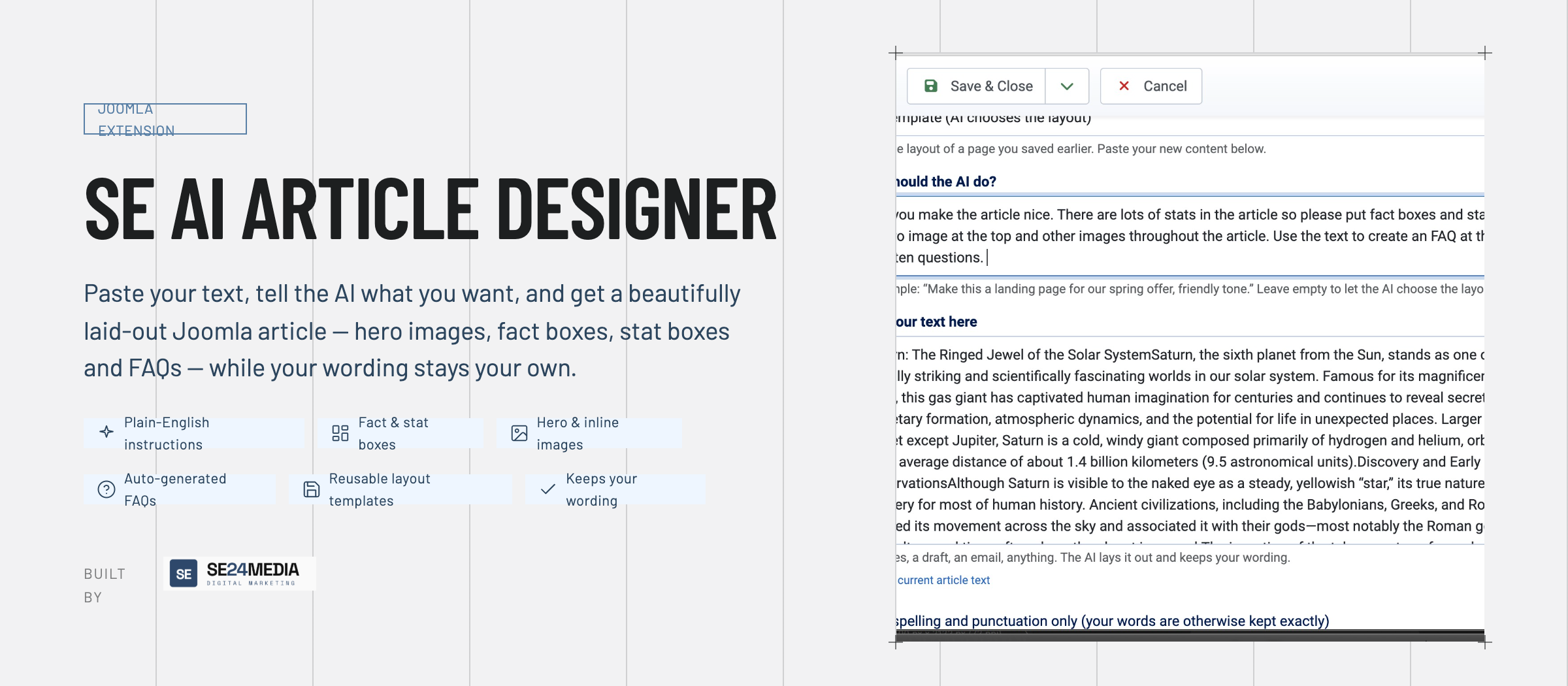
SE AI Article Designer is a new Joomla extension from SE24 Media. You write, or paste in what you've already written, and an AI lays it out as a finished, on-brand article inside the normal Joomla editor. There are no blocks to drag, no columns to configure and no page-builder screen to learn.
The page builder problem
Page builders solved a real problem. The plain article editor gives you a wall of text, and most people don't want to hand-code HTML. So we started building pages from blocks instead.
But anyone who has run a site with a page builder for a few years knows the trade-offs:
- Every page is a design job. Even a two-paragraph news item means choosing sections, dragging rows and fiddling with padding. The person who should be writing is doing layout instead.
- Your content is locked in. Many builders store pages in their own format. Switch builder or template and you rebuild your pages.
- Consistency drifts. Ten editors make ten slightly different versions of the "same" design. Change your brand colour and you're editing pages one at a time.
- A second editing world. Your team has to learn the builder as well as Joomla, and a change in one sometimes breaks the other.
We wanted the polish of a page builder without any of that. So we turned the process around: you supply the words and the intent, and the AI does the layout.
How it works
Open any article. Directly under the editor you'll find the designer panel. It isn't a pop-up or a separate screen; it sits in the place you already work.
-
Paste your text. Rough notes, a draft, an email from the committee: anything.
-
Say what you want, in plain English: "A landing page for our spring fair, friendly tone." Or leave it blank and let the AI decide.
-
Click Generate preview. In a minute or so you have a finished layout: a hero section, a lead paragraph, cards, call-outs, steps, statistics, FAQs, quotes, tables and galleries, using whichever of those suit your content.
-
Refine it in conversation. "Make the opening bigger." "Put the photo on the right." "Turn the prices into a table." Each request updates the preview.
-
Apply it to the whole article, at the cursor, or at the end. Then save as normal.
That's the whole workflow. You stay in the Joomla article editor, with TinyMCE, JCE, CodeMirror or the plain editor, and your article stays a normal Joomla article.
Your words stay your words
This mattered to us more than anything. The designer lays out what you wrote, word for word. It doesn't "improve" your writing unless you ask it to. Every preview is checked against your original sentence by sentence. If anything was changed, dropped or added, you're shown exactly what before you apply it, and one click puts your wording back.
Want typos fixed? Tick "Fix spelling and punctuation only." Want something rewritten? Ask in the chat. Otherwise, your voice is left alone.
One house style, everywhere
Set your brand colours, fonts and corner style once, and choose which layout patterns the AI may use. Fonts follow your site template by default, so designed articles match the rest of your site.
The output is clean, class-based HTML with a single shared stylesheet. That brings one big change from the page-builder world: change your house style, and every designed article updates at once. You don't edit pages one by one, and you don't get drift between editors.
Like a layout? Save it as a template, and next week's newsletter or match report comes out the same way with new content.
Nothing is final until you say so
Every change appears in a preview first. Every applied change is saved as a version. You can restore any earlier version, or undo just one change and keep everything since. Ctrl+Z works too.
SEO built in, not bolted on
Good layout and good SEO usually live in different tools. Here they're the same job.
One-click search snippets
The SEO tab reads your article and suggests:
- an article title
- a browser and search title, with a live character count aimed at the 45 to 60 characters search results show
- a meta description, aimed at 120 to 155 characters
- keywords
Want to rank for something specific? Give it a focus phrase and the suggestions are written around it. Review them, edit anything you like, and apply them to the article's own Joomla fields in one click. The meta description you always meant to write is now one button away.
Structure that search engines can read
Page builders often wrap content in layer upon layer of generic containers. SE AI Article Designer writes plain, semantic HTML:
- Real headings in a sensible order, so the shape of your page is clear to readers, screen readers and search engines.
- Proper lists, tables and quotes, rather than text styled to look like them.
- Alt text for every image, written by the AI from what's actually in the picture, plus captions where they help.
- Responsive images. Uploads are resized and saved at several widths, so phones download small files and large screens get sharp ones. The first image loads straight away and the rest load as the reader scrolls.
A light page. The house-style stylesheet is added only to pages that contain designed content.
Faster pages, clearer structure and complete metadata are the things that quietly help your rankings, and they now happen as a side effect of simply publishing an article.
Edit without breaking anything
Published articles go out of date: prices change, dates move, new questions come in. The Edit text tab lets you describe a change ("update the price to £49 and add an FAQ about parking"), choose which parts the AI may touch, and approve each edit in a word-by-word comparison. Everything else stays exactly as it was, including the structure search engines have already indexed.
A different way to create articles
Here's the shift we're aiming for.
Before
write the content, then spend twice as long building the page, then maybe do the SEO fields.
After
write the content, describe the page, refine it in a sentence or two, and take the suggested SEO. Then get back to what you were actually doing.
It's especially suited to the people who keep Joomla sites alive day to day: club volunteers, small business owners, marketing teams and agencies looking after many client sites. These are people who know what they want to say but shouldn't need design skills to make it look right.
The details
- Joomla 5 and Joomla 6, MySQL or MariaDB.
- Works with TinyMCE, JCE, CodeMirror and the plain editor. It can also be switched on for modules and category descriptions.
- Bring your own AI: OpenAI, Anthropic Claude, Google Gemini, or any OpenAI-compatible endpoint, including self-hosted models. You pay your provider directly at their rates, and every request is logged so you can see what's being used.
- Safe by design: AI output is cleaned against a strict allowlist, Joomla shortcodes such as {loadmodule} are protected, uploaded images are checked and re-saved, and Joomla permissions control who can use the designer, add images, restore versions and save templates.
- Eight interface languages: English, Spanish, Portuguese, German, Dutch, French, Polish and Italian, with support for right-to-left admin languages.
Free and Pro
The free edition includes every feature and designs 5 articles a month, with one house style and up to three templates. All you need is a free licence key.
Pro removes the monthly limit and adds unlimited house styles and templates. Upgrading is just a matter of entering your Pro key; there's nothing to reinstall.
Try it today
Install the free edition, add your AI key, and design your next article in the time it would normally take to pick a page-builder section.
SE AI Article Designer is developed by SE24 Media in London and released under the GNU GPL.